



By Chinua Albert Okafor @The_Robo_Rai (Subscribe Youtube)
Note: This method works only if you have an
iPhone 11
iPhone 11 Pro / iPhone 11 Pro Max
iPhone 12 / iPhone 12 Mini
iPhone 12 Pro / iPhone 12 Pro Max
iPhone 13 / iPhone 13 Mini
iPhone 13 Pro / iPhone 13 Pro Max
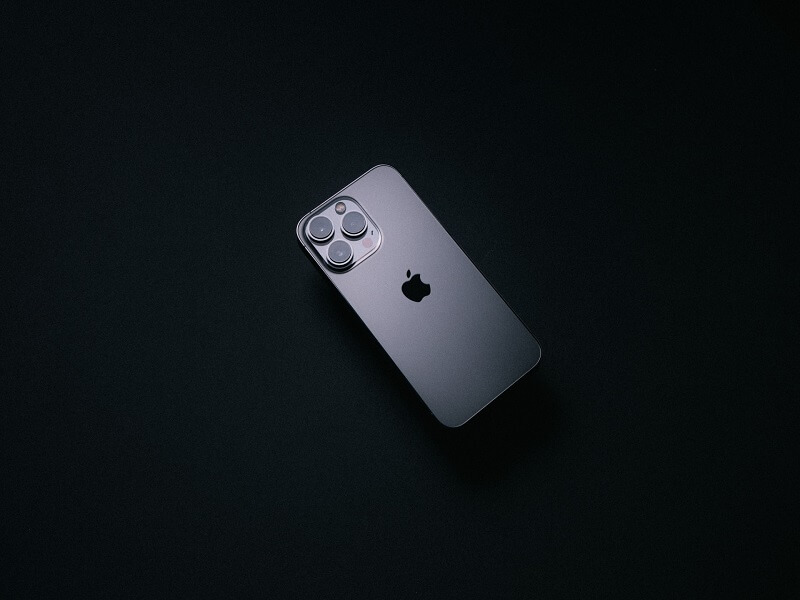
Basically any iPhone with the Trinocular camera system.
Finding your misplaced (or stolen) phone and retrieving it is easy using Apple's Find My app (or contacting the police if that's safer). It has become even more useful since Find My is available for a range of other objects, most notably Apple's AirTags.
Since iOS 15 includes the ability to locate your phone even when the battery is empty or if it has been turned off - if you have the right phone - the utility of Find My has become even greater.
If you see the phrase "iPhone Findable After Power Off" under the power-down toggle, this feature is active.
First of all activate the Find My Phone app if you haven’t already
Click on your name in your settings, then click "Find My Name."
Tap on “Find My iPhone.”
Toggle “Find My iPhone” on. If you have upgraded to iOS 15, you can also activate “Find My network,” which will let you find your phone even if it’s offline. “Send Last Location” will send the location of your iPhone to your Apple account when the iPhone is about to run out of battery.
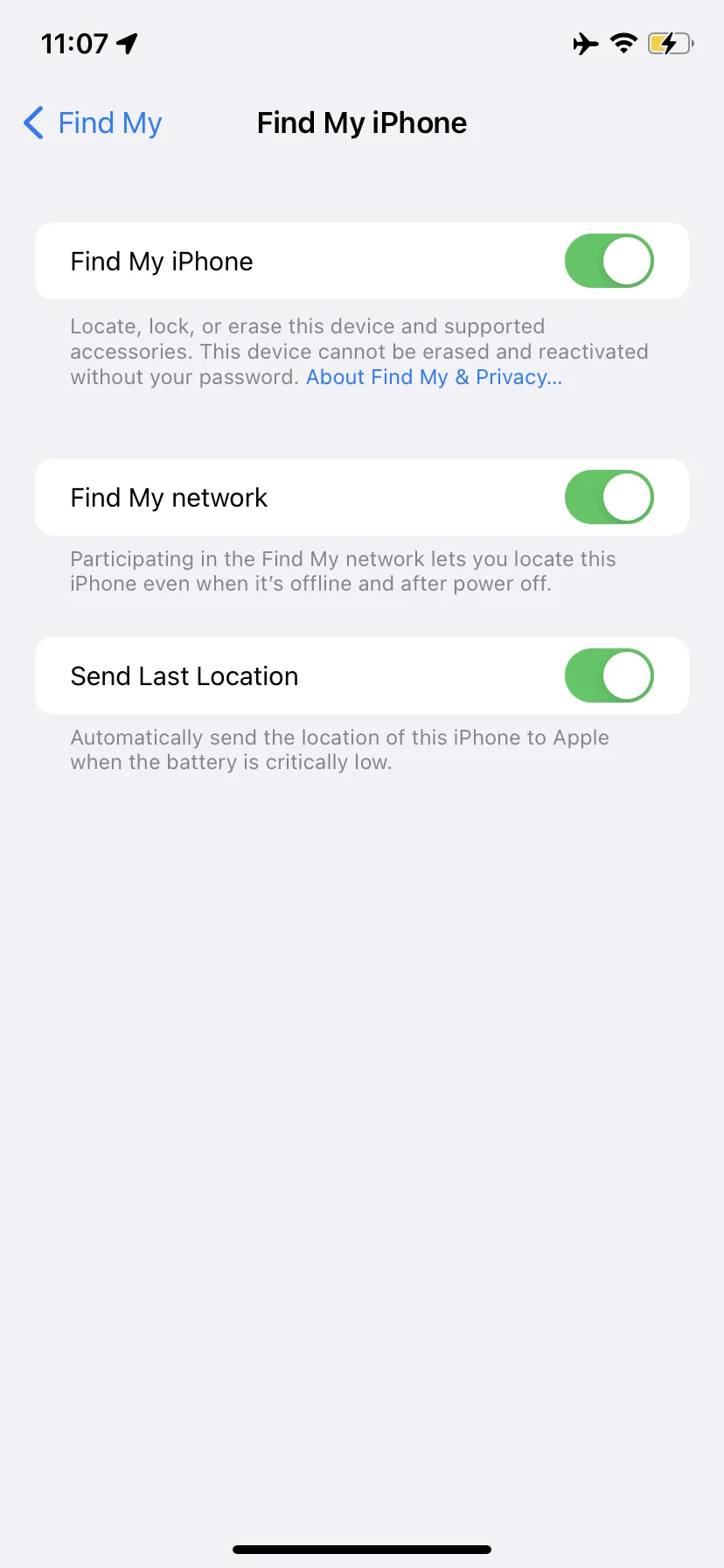 Turn on “Find My network” to find your phone when it’s off. Source: The Verge
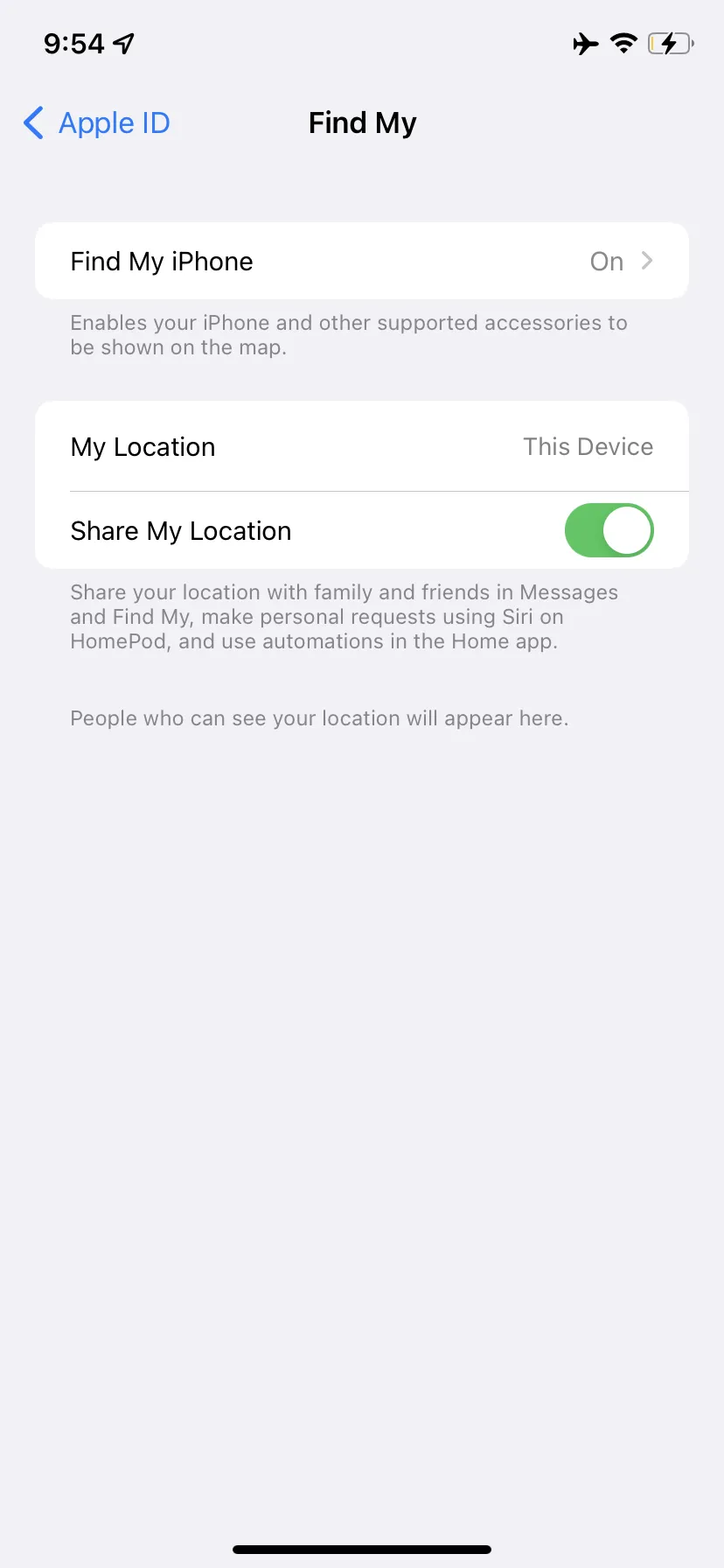 Turn on the Find My feature in your settings. Source: The Verge
It's that simple! Afterward, if your iPhone isn't there, you'll be able to track it either with the Find My app on a Mac (or another iPhone if you have one) or by going to iCloud.com/find and signing in using your Apple ID.
With the web version, there will be a location dot for your iPhone. You can place your smartphone on "Lost Mode" by clicking the dot and selecting the circled "i" (for information). In "Lost Mode," you can enter your contact information and a message ("Please return this phone as soon as possible! "). Once that occurs, the phone will become locked until you reenter the passcode.
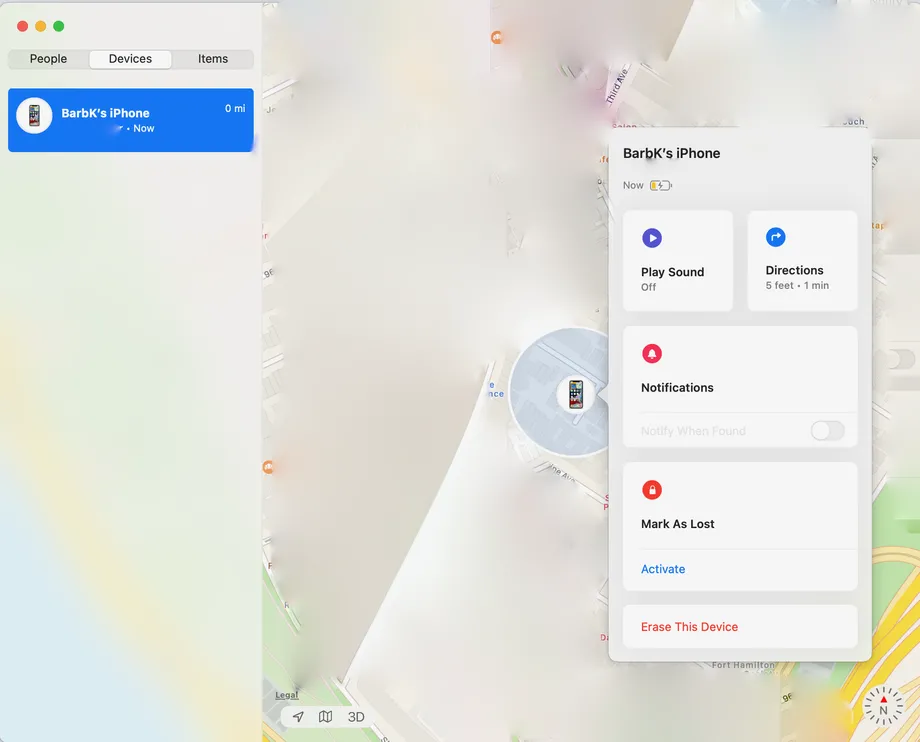 Source: The Verge
Find My offers the same functionality (albeit more aesthetically pleasingly), along with directions on how to get to your phone.
Whether the phone is off or charged, you'll still be able to locate it with iOS 15.
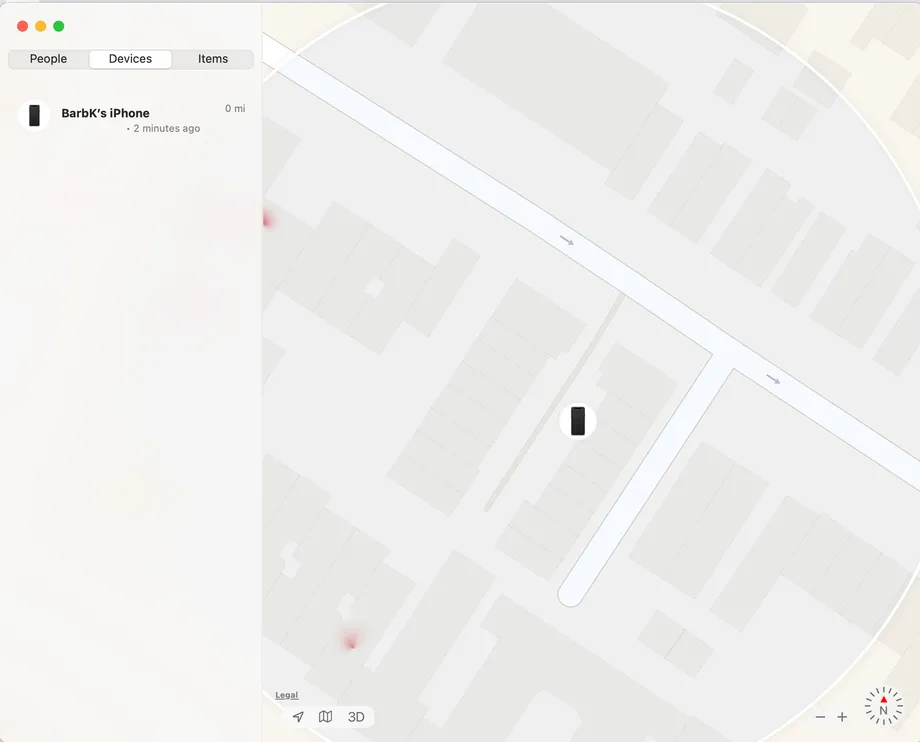 Source: The Verge
The Find My app can also be used to share your location with individuals and to send recurring notifications of your departure and arrival.